

Every Canadian home office and small business knows the frustration of running out of printer ink right before a deadline. Studies show that printer ink can be more expensive per milliliter than American luxury perfume, making even minor waste a costly mistake. Smart ink management matters because every drop saved cuts your bottom line. This guide reveals practical strategies to track, select, and conserve printer ink so you can control your costs and avoid last-minute surprises.
| Key Point | Explanation |
|---|---|
| 1. Analyze Ink Usage Patterns | Review usage logs to track printing behavior for cost reduction and efficiency. |
| 2. Choose Compatible Ink Cartridges | Select cartridges that match your printer and printing needs for optimal performance and savings. |
| 3. Implement Ink Conservation Strategies | Use settings like draft mode and double-sided printing to minimize ink waste without sacrificing quality. |
| 4. Monitor Ink Levels Regularly | Set alerts for low ink levels to prevent interruptions and maintain smooth printing operations. |
| 5. Verify Print Quality Systematically | Conduct regular inspections and troubleshoot issues promptly to ensure consistent print quality. |
Understanding your printer’s ink consumption patterns is crucial for managing printing costs effectively. By tracking and analyzing your printing behavior, you can make informed decisions that reduce waste and optimize your ink resources.
To assess your ink usage patterns, start by examining your printer’s comprehensive usage logs and time series data which can reveal detailed insights into consumption trends. Machine learning techniques now allow sophisticated tracking of nozzle activity and usage frequency. Pay attention to metrics like total pages printed, color versus black and white printing, document type, and average ink coverage per page.
Managing ink coverage requires careful evaluation of print density limits and understanding how different paper types and printing processes impact ink consumption. Professionals routinely assess total ink coverage by examining density limits across various print environments to minimize waste and maintain print quality. Consider tracking these key metrics using built-in printer software or specialized tracking tools.
Pro tip: Create a simple spreadsheet to log your monthly printing volumes and ink replacement dates to develop a clear understanding of your specific printing habits and consumption patterns.
Selecting the right ink cartridges is a critical step in managing your printing costs and ensuring optimal print quality. Your choice will directly impact both your budget and the performance of your printed documents.
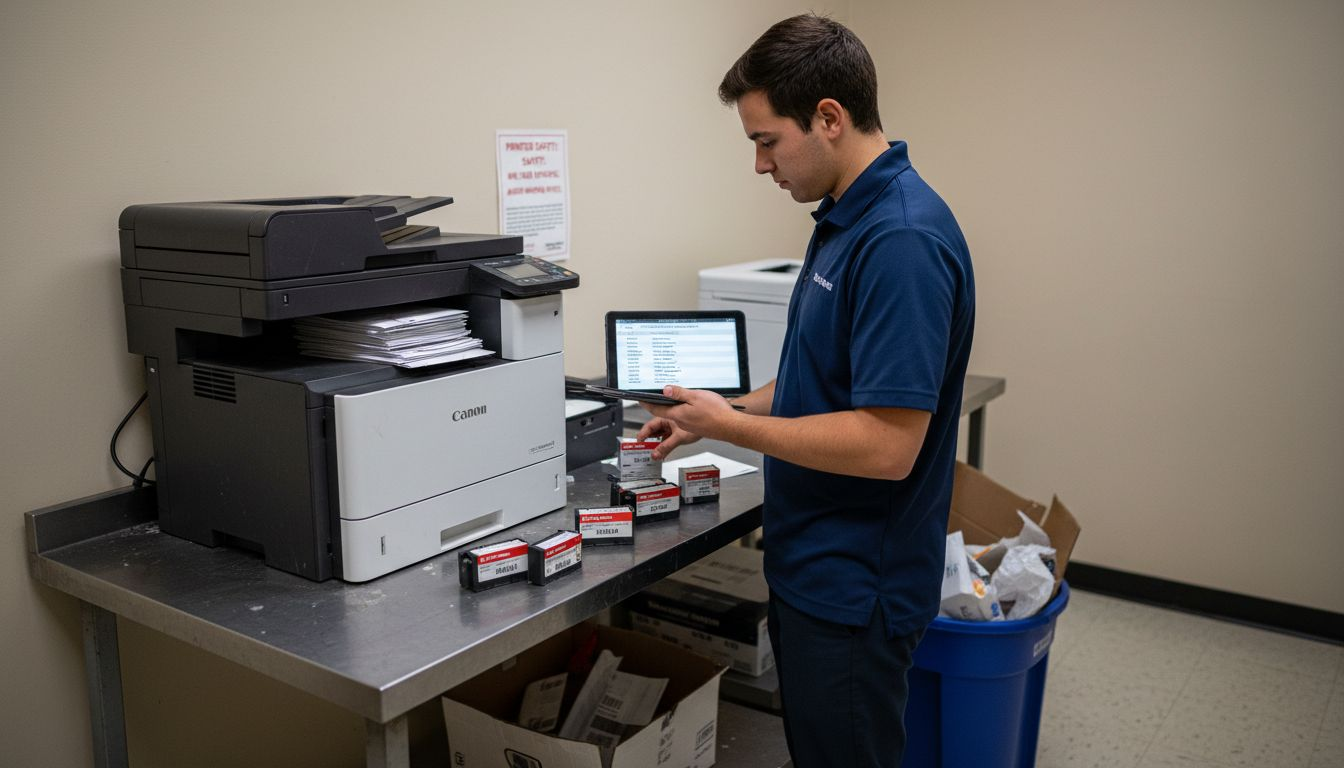
When evaluating ink cartridges, consider the specific technical requirements and compatibility factors that influence cartridge selection. Different printers have unique design specifications, and ink technologies vary between thermal and piezoelectric systems. You will want to match cartridges precisely to your printer model while also considering your primary printing needs such as text documents, photos, or mixed content.
Government procurement guidelines suggest carefully matching cartridge quality to your specific print application and budget constraints. This means understanding the trade offs between original manufacturer cartridges, which typically offer the highest reliability, and compatible or remanufactured options that can provide significant cost savings. Evaluate your print volume, desired print quality, and financial resources to make an informed decision.
Pro tip: Always keep your printer model number handy when shopping for cartridges and purchase from reputable vendors that offer clear compatibility information and return policies.
Here’s how popular ink cartridge types compare for different user needs:
| Cartridge Type | Print Quality | Cost Efficiency | Ideal For |
|---|---|---|---|
| OEM (Original) | Consistent, high | Least cost-effective | Critical business prints |
| Compatible | Good, may vary | Best cost savings | General daily printing |
| Remanufactured | Satisfactory | Moderate savings | Eco-conscious users |
Saving printer ink requires a strategic approach that balances print quality with resource management. By adopting smart printing techniques, you can significantly reduce ink consumption and extend the life of your cartridges.
Government printer configuration guidelines recommend implementing default settings that minimize unnecessary ink usage. This includes setting black-and-white printing as the default mode, restricting color printing to essential documents, and enabling tracking mechanisms to monitor print volumes. Configure your printer to automatically print double-sided documents and use draft or economy modes for internal documents that do not require high-quality output.
Industry experts suggest exploring lighter ink shades and working strategically with document design to limit overall ink consumption. This approach not only conserves ink but also supports sustainable printing practices. Regularly review your printing needs, clean printer nozzles to prevent waste from misaligned prints, and consider digital alternatives when possible to reduce unnecessary printing.
Pro tip: Preview documents before printing to catch formatting errors and unnecessary pages that would waste ink.
Summary of key printer ink conservation practices and their benefits:
| Practice | Ink Savings Impact | Print Quality Impact |
|---|---|---|
| Use draft mode | High savings | Lower quality for drafts |
| Default to black/white | Moderate savings | No color reproduction |
| Print double-sided | Paper and ink savings | Similar to single-sided |
| Document preview | Prevents waste | Maintains intended output |
Effective ink management requires proactive monitoring and strategic planning to prevent unexpected printing interruptions. By implementing smart tracking methods, you can ensure your printer remains operational and your printing costs stay predictable.
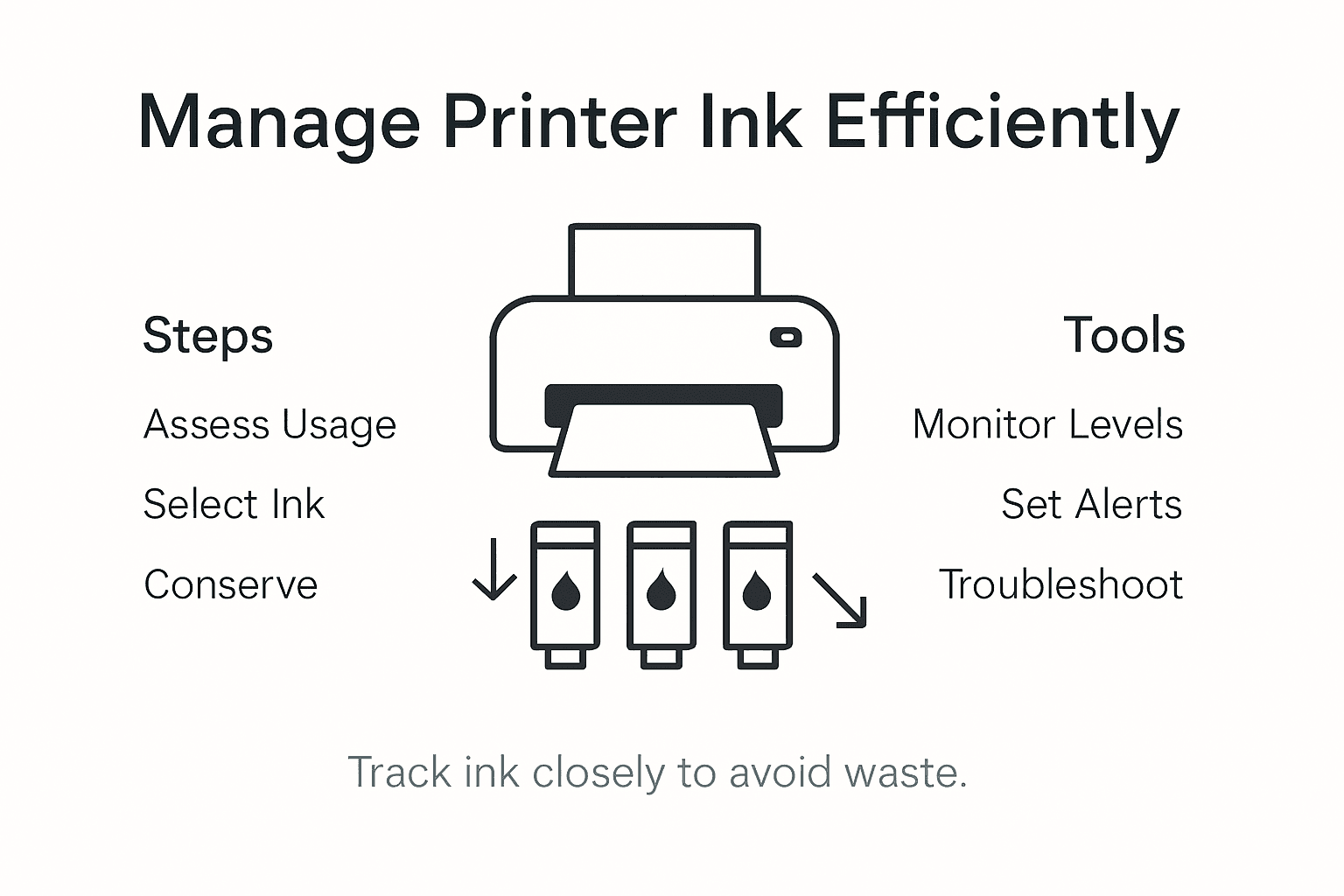
Modern print software and device management utilities offer sophisticated tools for tracking ink volumes and setting automated reorder alerts. Most operating systems and printer applications provide built-in interfaces that display real-time ink levels, allowing you to monitor consumption patterns. Take advantage of these features by configuring alerts that notify you when ink levels approach critical thresholds, enabling timely replacements before running out during important print jobs.
Government procurement guidelines emphasize systematic approaches to supply tracking and management. This involves not just monitoring ink levels, but also coordinating with your supplier or IT department to establish a reliable replenishment process. Consider creating a digital or physical tracking log that records ink usage, replacement dates, and typical consumption rates to predict future needs more accurately.
Pro tip: Configure smartphone alerts or email notifications for your printer to receive instant updates about ink levels directly on your mobile device.
Ensuring consistent print quality requires a systematic approach to inspection and problem resolution. By developing a proactive quality control process, you can catch and address potential printing issues before they become costly or disruptive.
Government procurement guidelines recommend establishing comprehensive frameworks for print quality verification. Start by conducting a detailed visual inspection of your printed documents, checking for common issues like color inconsistency, streaking, fading, or uneven ink distribution. Pay close attention to text clarity, image sharpness, and overall print uniformity across different types of documents and paper stocks.
Systematic procedures for addressing print quality issues involve a structured approach to troubleshooting and communication. When you detect print quality problems, begin by cleaning your printer heads, checking ink cartridge alignment, and running diagnostic tests through your printer software. If issues persist, consult your printer manual or manufacturer support resources. Document recurring problems to identify potential underlying causes such as hardware wear, ink quality, or environmental factors that might be impacting print performance.
Pro tip: Keep a sample print from when your printer was new as a reference point for comparing current print quality and detecting gradual performance degradation.
Controlling printer ink expenses can feel overwhelming without the right support. This article highlighted the challenges of tracking ink usage patterns, selecting compatible cartridges, conserving ink effectively, and monitoring supply levels. You want to avoid unexpected printing interruptions and unnecessary spending while maintaining excellent print quality. That is where GetToner.ca steps in as your trusted partner for cost-effective printing solutions across Canada.
Discover an extensive range of OEM and compatible ink cartridges, printers, and multifunction devices tailored to fit various printing needs and budgets. With our commitment to affordability, automatic discounts, and free shipping on orders above $100, GetToner.ca makes it simple to keep your ink supply well-stocked and your printing reliable. Start optimizing your printing experience today by visiting GetToner.ca and explore products designed to match specific printer models and usage habits. Don’t wait for your ink to run dry—act now to ensure uninterrupted printing with expert support from a Canadian-based team dedicated to your success.
Experience quick, local service and secure ordering at GetToner.ca and make managing your printer ink costs easier than ever.
Understanding your printer ink usage patterns involves examining the printer’s usage logs and tracking metrics like total pages printed and ink coverage. Start by creating a spreadsheet to log your monthly printing volumes and ink replacement dates to identify your printing habits.
When choosing ink cartridges, consider compatibility with your printer model, print quality needs, and your budget. Evaluate the differences between original manufacturer and compatible cartridges to make an informed decision based on your typical print volume and quality requirements.
Adopt practices like setting your printer to default to black-and-white printing, using draft mode for non-essential documents, and enabling double-sided printing. These adjustments can help reduce ink consumption by up to 30% while maintaining acceptable print quality for everyday use.
You can monitor ink levels through built-in printer software that provides real-time updates. Set automated alerts to notify you when ink levels fall below a certain threshold, ensuring timely replacements and preventing unexpected printing interruptions.
Begin by performing a visual inspection of your printed documents for common quality issues like streaking or fading. If you notice problems, clean your printer heads and run diagnostic tests to identify and address the root causes, helping maintain consistent print quality over time.