

Most office managers are surprised to learn that nearly 40 percent of supply budgets can be lost to inefficient printer inventory practices, rivaling typical American waste statistics. For Canadian businesses, this means missed savings and increased frustration every time a printer runs out unexpectedly. By tightening your supply management process, you will spend less time chasing cartridges and more time supporting your team’s productivity.
| Key Insight | Explanation |
|---|---|
| 1. Conduct Regular Supply Audits | Assess current printer supplies quarterly to anticipate needs and avoid stock shortages. |
| 2. Organize Inventory Efficiently | Create a structured storage system with clear labels for quick access and reduced errors. |
| 3. Implement Tracking Systems | Use software for real-time monitoring and management of printer supply inventory levels. |
| 4. Set Reorder Thresholds | Establish automatic reorder points based on consumption to maintain consistent supply availability. |
| 5. Regularly Review Inventory Data | Validate inventory records through audits to prevent discrepancies and ensure accuracy. |
Understanding your office’s current printer supply inventory is a critical first step in optimizing workflow and managing printing resources efficiently. Tracking and analyzing your existing printer consumables will help you develop a strategic approach to purchasing and maintaining your print infrastructure.
Begin by conducting a comprehensive audit of your current printer supplies. Walk through each department and document the types of printers in use, their specific supply requirements, and current inventory levels. Pay attention to details like cartridge models, average monthly print volumes, and historical usage patterns. Managing printer supplies strategically requires meticulous tracking of existing resources.
Recommended steps for your supply assessment include creating a detailed spreadsheet with printer make and model, current cartridge inventory, average monthly consumption, and reorder points. Track both color and monochrome cartridges separately. Calculate your typical monthly print volume by reviewing past printing records or using printer management software that can generate usage reports. This data will help you predict future supply needs and prevent unexpected inventory shortages.
Pro tip: Schedule your supply inventory assessment quarterly to maintain an accurate and up-to-date understanding of your office’s printing resource requirements.
Here’s a summary of key factors to assess when auditing your office printer supplies:
| Assessment Factor | Why It Matters | Potential Impact |
|---|---|---|
| Printer model diversity | Ensures supply compatibility | Reduces supply mismatches |
| Monthly print volume | Predicts future consumption | Prevents stock shortages |
| Cartridge type tracking | Aids targeted inventory management | Minimizes waste |
| Usage history analysis | Reveals consumption patterns | Improves ordering accuracy |
Creating an efficient and organized storage system for your printer supplies is essential for maintaining a smooth workflow and preventing unnecessary inventory waste. A well-structured storage approach helps you track resources quickly and minimize potential supply disruptions.

Effective inventory management strategies emphasize the importance of systematic organization. Start by designating a dedicated storage area for your printer supplies that is cool, dry, and away from direct sunlight. Use sturdy shelving units with clearly marked zones for different cartridge types, brands, and printer models. Implement a color coding system or labeled bins to distinguish between color and monochrome cartridges, making identification swift and reducing potential errors during restocking.
Prioritize safety and accessibility when setting up your storage space. Follow proper shelf storage guidelines by placing heavier items on lower shelves and lighter supplies on top. Keep walkways clear and ensure storage areas are well-lit and easily navigable. Create an inventory tracking sheet or digital spreadsheet that corresponds with your physical storage layout, enabling quick visual and digital reference of your current printer supply inventory.
Pro tip: Invest in clear plastic storage containers with removable labels to create a flexible and adaptable inventory organization system that can evolve with your office’s changing printer supply needs.
Compare these storage organization options and their business benefits:
| Storage Approach | Efficiency | Safety | Scalability |
|---|---|---|---|
| Dedicated shelving zones | High | Medium | High |
| Labeled bins | Medium | High | Medium |
| Color coding system | High | High | Medium |
| Clear containers w/labels | Medium | High | High |
Developing a robust tracking and monitoring system for your printer supplies is crucial for maintaining operational efficiency and preventing unexpected inventory shortages. By implementing a strategic approach to inventory management, you can optimize your office’s printing resources and reduce unnecessary spending.
Inventory tracking programs offer powerful solutions for maintaining real-time visibility over your printer supply stock. Consider investing in specialized software that integrates barcode scanning and automated tracking capabilities. These systems can help you monitor current inventory levels, set automatic reorder points, and generate detailed reports on supply consumption patterns. Focus on selecting a solution that provides user friendly interfaces and seamless integration with your existing office management tools.
Establish a consistent monitoring protocol that includes regular inventory audits and systematic documentation. Create a digital dashboard or spreadsheet that tracks key metrics such as current stock levels, average monthly consumption, and predicted future needs. Train your team on the new tracking system and designate a specific team member responsible for maintaining and updating the inventory records. Implement periodic reviews to assess the effectiveness of your tracking methods and make necessary adjustments to improve accuracy and efficiency.
Pro tip: Utilize cloud-based inventory management systems that allow multiple team members to access and update supply tracking information in real-time, ensuring comprehensive and collaborative inventory control.
Establishing strategic reorder thresholds and automating your printer supply ordering process can significantly streamline your office inventory management and prevent unexpected supply disruptions. By implementing a proactive approach, you can ensure consistent availability of critical printing resources while minimizing manual intervention.
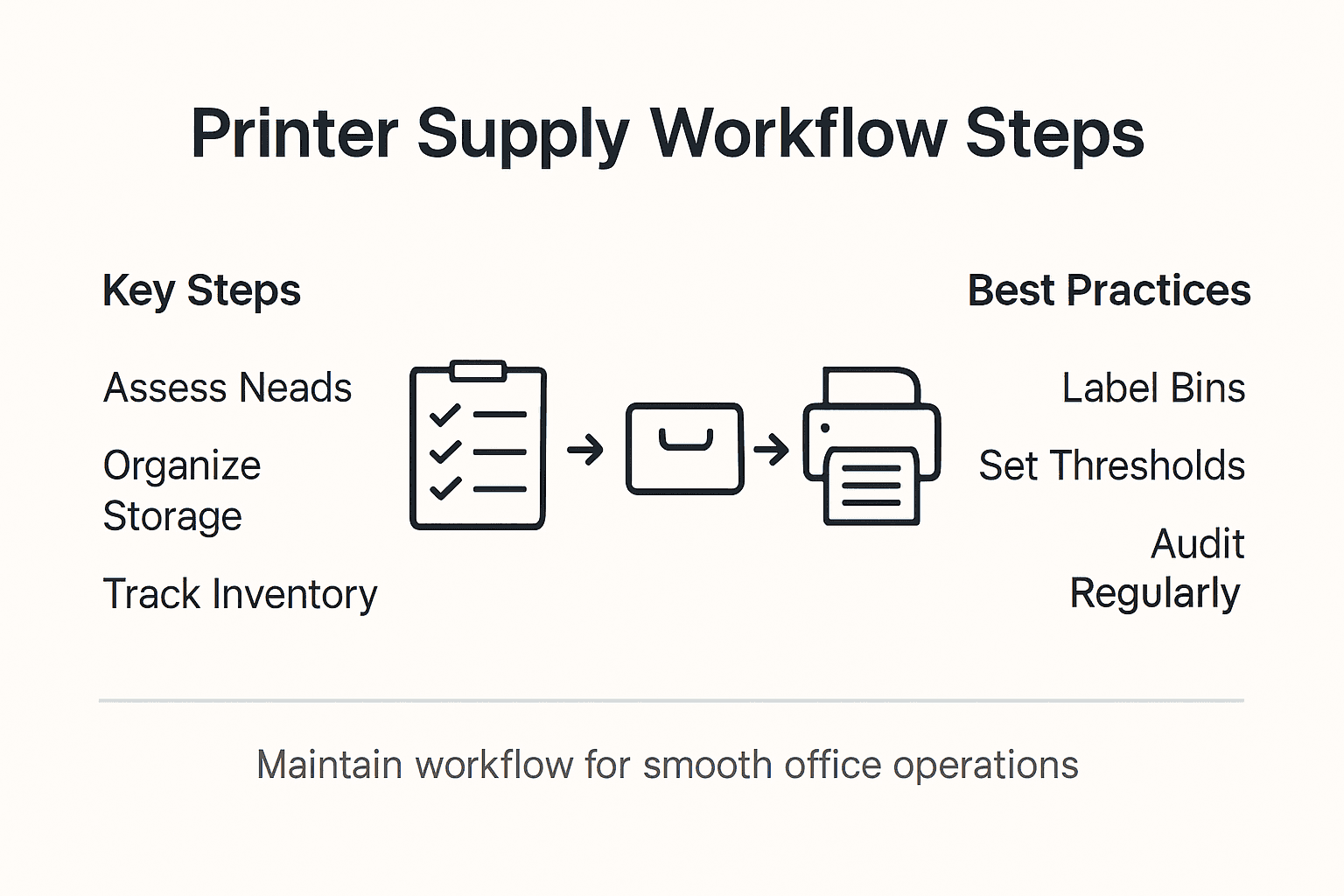
Ordering procedures for supplies require careful consideration of best value criteria and systematic procurement strategies. Begin by analyzing your historical printer supply consumption data to determine optimal reorder points for each cartridge type. Set specific minimum quantity thresholds that trigger automatic reordering based on your average monthly usage. Most inventory management systems allow you to configure custom alerts that notify designated team members when stock levels approach predefined minimums, enabling timely replenishment before critical shortages occur.
Develop a comprehensive ordering strategy that includes multiple approved suppliers to ensure flexibility and competitive pricing. Configure your inventory management system to automatically generate purchase orders when stock reaches predetermined levels. This approach not only reduces administrative workload but also minimizes the risk of human error in supply procurement. Consider implementing a tiered reorder system that accounts for different cartridge types, printer models, and seasonal variations in printing demand.
Pro tip: Build a buffer of approximately 20 percent above your calculated minimum reorder threshold to account for unexpected printing demands or potential supply chain delays.
Maintaining precise and reliable printer supply inventory records is crucial for effective office resource management. Regular data verification helps prevent costly errors and ensures your organization can consistently meet its printing needs without unexpected interruptions.
Best practices for achieving consistent physical inventory counts emphasize the importance of systematic data review processes. Develop a comprehensive audit protocol that includes monthly reconciliation of digital inventory records against physical stock counts. Use a cross reference method where you systematically compare your digital tracking system with actual physical inventory. Pay special attention to discrepancies in quantity, tracking serial numbers, and expiration dates for printer cartridges and supplies.
Implement a structured review process that involves multiple verification steps. Create a standardized checklist for inventory data validation that includes comparing purchase records, tracking system entries, and physical stock. Schedule quarterly comprehensive audits where a designated team member conducts a thorough review of all inventory data. Consider using random sampling techniques to spot check inventory accuracy and identify potential systemic tracking issues. Utilize digital tools that can generate automatic comparison reports to streamline the verification process and quickly highlight any inconsistencies.
Pro tip: Establish a quarterly cross training program that rotates inventory review responsibilities among team members to ensure multiple perspectives and reduce individual bias in data verification.
Managing printer supplies efficiently is crucial to preventing costly shortages and ensuring smooth office operations. The article highlights key challenges such as tracking inventory, setting reorder thresholds, and maintaining accurate monitoring systems. These pain points can create frustration and disrupt your workflow when supplies run low unexpectedly or when outdated data results in wasted resources.
GetToner.ca offers a comprehensive solution to these problems by providing affordable, reliable printer supplies for Canadian businesses. With a vast selection of OEM and compatible cartridges, as well as printers and multifunction devices, you can easily replenish your stock to match your quarterly assessments, automate reorder processes, and organize your inventory without hassle. Take advantage of competitive pricing, free shipping on orders over $100, and expert local support to keep your print infrastructure running flawlessly.
Discover how to optimize your printer supply inventory and order hassle-free from GetToner.ca.

Get started now with the right printing supplies to match your workflow needs and never worry about running out again. Visit GetToner.ca to explore our selection and experience fast, secure ordering designed for Canadian businesses aiming to improve printing efficiency today.
To assess your office’s printer supply needs, conduct a comprehensive audit of your existing inventory. Document details like printer types, cartridge models, monthly print volumes, and reorder points, which can help you predict future supply needs and avoid shortages.
Organize your printer supplies by designating a dedicated storage area, using labeled bins, and implementing a color-coding system. This will enhance accessibility and prevent errors during restocking, allowing for quicker identification and smoother operations.
To implement a tracking system, consider using software that offers barcode scanning and automated tracking. Create a digital dashboard to monitor key inventory metrics, and establish regular audits to ensure consistent accuracy and efficiency in your printer supply management.
When setting reorder thresholds, analyze historical supply consumption data to determine optimal minimum quantity levels. Establish automated reorder points that trigger alerts or purchase orders to streamline the ordering process and ensure your printer supplies remain adequately stocked.
Regularly review your printer supply inventory data at least monthly to maintain accurate records. Conduct comprehensive audits quarterly and consider using a checklist to compare digital and physical counts, helping to quickly identify any discrepancies in your inventory.
Automating the ordering process allows for timely replenishment of supplies and reduces manual intervention, decreasing errors. By using a tiered system for reorder points, you can ensure critical supplies are always available while managing inventory more efficiently.